UniFi for UK Business Networks: When It's the Right Call (and When It Isn't)
Most of the businesses we onboard arrive with one of two network setups: either a single ISP-supplied router doing far too many jobs at once, or a tangle of consumer-grade gear bolted together over years by whoever happened to be nearest the cupboard. Neither one survives a serious cyber audit, and both fall over the moment the company grows past about fifteen staff.
When we replace those setups in Yorkshire SMBs — especially in healthcare practices where patient data and clinical devices share the same floor — Ubiquiti's UniFi range is the kit we reach for more often than anything else. Not because we're vendor-tied (we're not), but because for businesses between roughly five and one hundred and fifty staff, UniFi gives you genuine commercial-grade networking at a price point that doesn't require a CFO meeting to approve. That said, it isn't always the right call. This is the honest version of when it is and when it isn't.
What UniFi actually is, in one paragraph
UniFi is Ubiquiti's range of business-grade network equipment — switches, access points, routers, security gateways, cameras, and door access — that all share a single management interface called the UniFi Network Controller. You buy individual devices, you plug them in, and they all show up in one dashboard where you configure VLANs, wireless networks, firewall rules, and so on. It's the kind of central pane of glass that traditionally came with five-figure Cisco Meraki or Aruba licences. UniFi doesn't charge a recurring subscription on top of the hardware, which is the headline reason a lot of UK businesses end up specifying it.
Where UniFi is the right call
The strongest case for UniFi is a business between about five and one hundred and fifty staff that is currently running consumer or prosumer kit, knows it has outgrown that, and wants a cleaner stack without committing to a per-device subscription model. Specifically, UniFi makes sense when:
- You need real VLAN segmentation. Staff WiFi, guest WiFi, IoT cameras, payment terminals, and clinical devices should not share the same broadcast domain. UniFi handles this competently in a single click rather than the half-day project it becomes on cheaper gear.
- Your WiFi coverage is patchy. Mesh networks aside, the right answer for an office or surgery is properly placed access points on a backhaul that doesn't depend on the WiFi to talk to itself. UniFi APs roam well and the controller tells you when one's misbehaving instead of forcing you to walk the building with a phone.
- You want one supplier for the whole stack. Switch, AP, gateway, cameras, door access — UniFi can do all of it, and from a support point of view, having one vendor's logs to read at 11pm during an outage saves time you'd otherwise spend correlating two or three.
- You're cost-conscious but not cheap. Per-port cost on UniFi switching is roughly half what you'd pay for a comparable Cisco or HPE Aruba stack, and there's no licence renewal lurking at twelve months. Across our healthcare clients in Yorkshire, the typical SMB saves between £40 and £120 a month on equivalent capability against a Meraki refresh.
Where it isn't
We've had clients buy UniFi against our advice. Sometimes the kit was wrong for the situation; sometimes the situation was wrong for any DIY approach. The honest version:
- You need 24/7 vendor-side TAC. If you run mission-critical infrastructure where a four-hour vendor SLA is a regulatory requirement, you want a vendor with proper telephone TAC. Ubiquiti's support is community-led with paid options, and that's not the same thing.
- You have an ageing in-house IT person who isn't going to keep up. UniFi gives you the controls of a commercial network. If the person managing them doesn't know what VLANs do, you'll end up with a more capable mess than the one you replaced. We've inherited setups where someone enabled "Advanced Mode" in the UI and then walked away. It's not pretty.
- You need PCI or HIPAA-grade certifications baked in. UniFi can be configured to meet those standards, but it doesn't come pre-attested. If your auditor wants a vendor-stamped compliance report on the box, that's not what you're buying.
- You're scaling past about two hundred staff and several sites. At enterprise scale, Meraki or Aruba's central cloud management and proper RBAC start earning their keep. UniFi can do multi-site, but the management overhead climbs faster than the hardware savings justify.
How to deploy UniFi properly in a typical UK SMB
Most of the small-to-mid Yorkshire businesses we deploy UniFi for follow a similar shape. Below is a real-world deployment pattern for, say, a 25-person practice across two floors — easily adapted up or down. Skip ahead if you're more interested in the trade-offs than the kit list.
The hardware shortlist
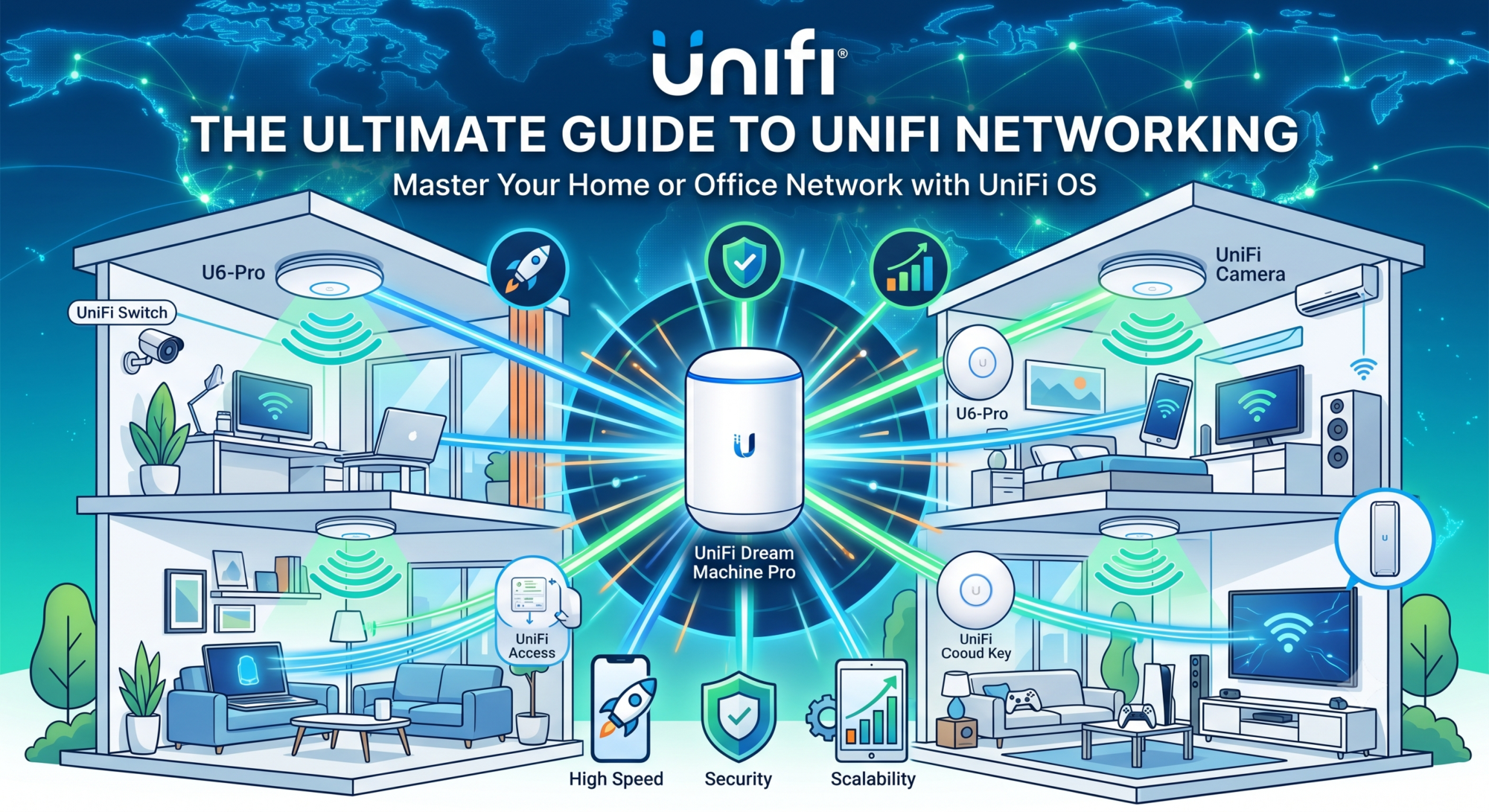
- A UniFi Cloud Gateway as the router and firewall. The UCG-Ultra or UDM-SE handles WAN, firewall, IDS/IPS, and runs the UniFi Network Controller locally so you're not dependent on a cloud subscription.
- A managed UniFi switch sized for your endpoints — typically a USW-24-PoE or USW-48-PoE — so access points and IP phones are powered from the same place they connect.
- UniFi access points — usually U6-Pro or U7-Pro depending on density — placed properly rather than just clustered near the comms cabinet. As a rule, one AP per 1,500 square feet, line-of-sight wherever possible, with proper structured cabling on the backhaul.
- Optional: UniFi cameras and Access Hub if you want to consolidate security on the same management plane.
Network segmentation that actually matters
The single biggest win UniFi gives a small business is straightforward VLAN segmentation. For the practice above, we'd configure something like:
- VLAN 10 — Staff: Workstations and trusted devices. Full LAN access.
- VLAN 20 — Clinical / sensitive: Patient management workstations, EMIS Web terminals, anything touching patient data. Isolated from VLAN 10 except for explicitly allowed traffic to specific clinical systems.
- VLAN 30 — Guest: Patient and visitor WiFi. Cannot reach any internal subnet at all. Rate-limited.
- VLAN 40 — IoT: Cameras, printers, payment terminals, smart kit. Internet egress only.
- VLAN 50 — VOIP: Desk phones and softphones with QoS prioritisation so a busy guest WiFi doesn't crater a call.
This pattern is straightforward to configure in UniFi's UI in about an hour. The same segmentation on a consumer router is structurally impossible.
Common setup mistakes we see
When we inherit UniFi setups someone else has installed, the same problems keep appearing:
- No controller, or a controller running on someone's laptop. The Network Controller is the brain — it needs to be on a Cloud Gateway, a dedicated Cloud Key, or a properly-resourced VM. Not "Dave's old desktop in the back office."
- Mixing UniFi with consumer kit. A UniFi AP plugged into a BT Smart Hub does roughly half of what it was bought to do.
- Default SSIDs and default admin credentials. Sounds obvious. It is not obvious.
- Guest WiFi on the same VLAN as everything else. The whole point of a separate guest network is segmentation. We see "guest" SSIDs daily that route straight to the staff subnet.
- No firmware update policy. UniFi firmware needs scheduled updates. Without them, you accumulate known vulnerabilities. Set a maintenance window, document it, stick to it.
UniFi for healthcare specifically
For pharmacies, dental practices, care homes and small clinics, UniFi handles most of what the DSPT (Data Security and Protection Toolkit) actually expects you to be able to demonstrate — network segmentation, controlled guest access, logged firewall rules, and a clear inventory of every connected device. We've yet to onboard a healthcare client whose existing setup could produce a complete connected-devices list on demand, which is one of the DSPT questions practices fail most often. With UniFi, that list is one click in the controller.
Where you do need to be careful is around traffic isolation between clinical systems and general office use. Sharing a VLAN between the receptionist's workstation and the clinical terminal works fine until the receptionist clicks a phishing link, at which point you've handed an attacker access to patient data via lateral movement. We design healthcare UniFi networks with the clinical VLAN strictly firewalled — no SMB, no RDP, no flat routing back to the office subnet. It adds about an hour of setup time and removes a category of risk that auditors will absolutely ask about.
If you want a sense of what a proper healthcare network audit looks like, we cover the broader ground in our healthcare IT support service area.
What real-world UniFi deployment actually costs
For the 25-person practice example above, you're looking at roughly:
- Cloud Gateway: £350–£450
- 24-port PoE switch: £450–£600
- 3 × U6-Pro access points: £150–£200 each
- Cabling, mounting, installation labour: £600–£1,200 depending on the building
So a full UniFi deployment for a small Yorkshire practice typically lands between £2,000 and £3,500 all-in, with no ongoing licence cost. Compared with the equivalent Meraki setup which would run closer to £6,000 plus around £900 a year in licence renewals, the operating-cost difference over five years is substantial — but you're trading vendor SLA and certified compliance reports for that saving. For most SMBs that's the right trade. For some, it isn't.
How to know if UniFi is right for you
A short honest checklist:
- Choose UniFi if: you're between 5 and 150 staff, you want a proper segmented network without a subscription model, and you have either competent in-house IT or a managed IT provider who knows what they're doing with VLANs.
- Don't choose UniFi if: you need vendor-side 24/7 telephone TAC for compliance reasons, you have no IT capability and won't engage a provider, or you're scaling past two hundred staff across multiple sites.
- It depends if: you're a healthcare practice. UniFi is a strong fit for DSPT-style segmentation, but only if it's deployed by someone who understands what clinical isolation actually means — not just someone who knows how to plug in an access point.
For most UK SMBs we work with, UniFi sits in the sweet spot of "commercial-grade capability without paying enterprise prices." Where it goes wrong is almost always deployment, not the kit itself.
FAQ
Is UniFi actually enterprise-grade, or just prosumer kit dressed up?
For SMBs up to about 150 staff, UniFi is genuinely commercial-grade in both hardware and feature set. It runs hospitals, hotels, and universities globally. Where it stops being enterprise-grade is at the support and certification end — Ubiquiti doesn't sell the kind of vendor-stamped SLA that a regulated multinational needs.
Do I need a UniFi Cloud Key, or can I run the controller in the cloud?
You have three options. Run it on a Cloud Gateway (recommended for most SMBs — controller, router, and firewall in one box). Run it on a dedicated Cloud Key device (works fine but adds a piece of kit). Or run it on Ubiquiti's hosted service (free for up to twenty-five devices, paid above that). For most businesses we deploy for, the Cloud Gateway option is the cleanest.
Can I mix UniFi with my existing networking gear?
Technically yes, in practice this is where we see most problems. A UniFi switch plugged into a BT business hub will work, but you lose half the benefit. If you're going to commit to UniFi, commit to the whole stack from gateway down. Phased migrations work — buy the gateway first, then switches, then APs — but plan to finish the journey.
Is UniFi good enough for DSPT or Cyber Essentials Plus compliance?
Both — provided it's configured properly. The kit doesn't make you compliant, the configuration does. UniFi gives you all the controls a Cyber Essentials Plus assessor will want to see (segmentation, firewall rules, logging, controlled access). What it doesn't give you is a "compliant out of the box" pre-attested status. That's a deployment job, not a kit choice.
How long does a typical UniFi deployment take?
For a 25-person practice, expect roughly one day of installation work plus half a day of configuration and testing. Add cabling time if the building isn't already wired properly. We typically schedule deployments outside of clinical hours and have everything cut over by the start of the next working day.
Related reading
- IT hardware and infrastructure support
- Networking, wireless, data and electrical cabling
- Healthcare IT support
- IT support Leeds
If you're weighing up a network refresh and want a second opinion on whether UniFi is the right call for your specific setup — particularly if you're in a healthcare practice with patient data on the same wire as office traffic — we can do a one-hour review, no obligation. Tell us what you've got and we'll tell you honestly what we'd recommend.